qUINT MXAO
Screen-space ambient occlusion for contact shadows and grounded depth.
 PrismShade
Native post-processing for Mac. Shape light, atmosphere, color, and depth without leaving the game.
The scene stays still. The material world changes around it. Drag the split to inspect the shader pass.
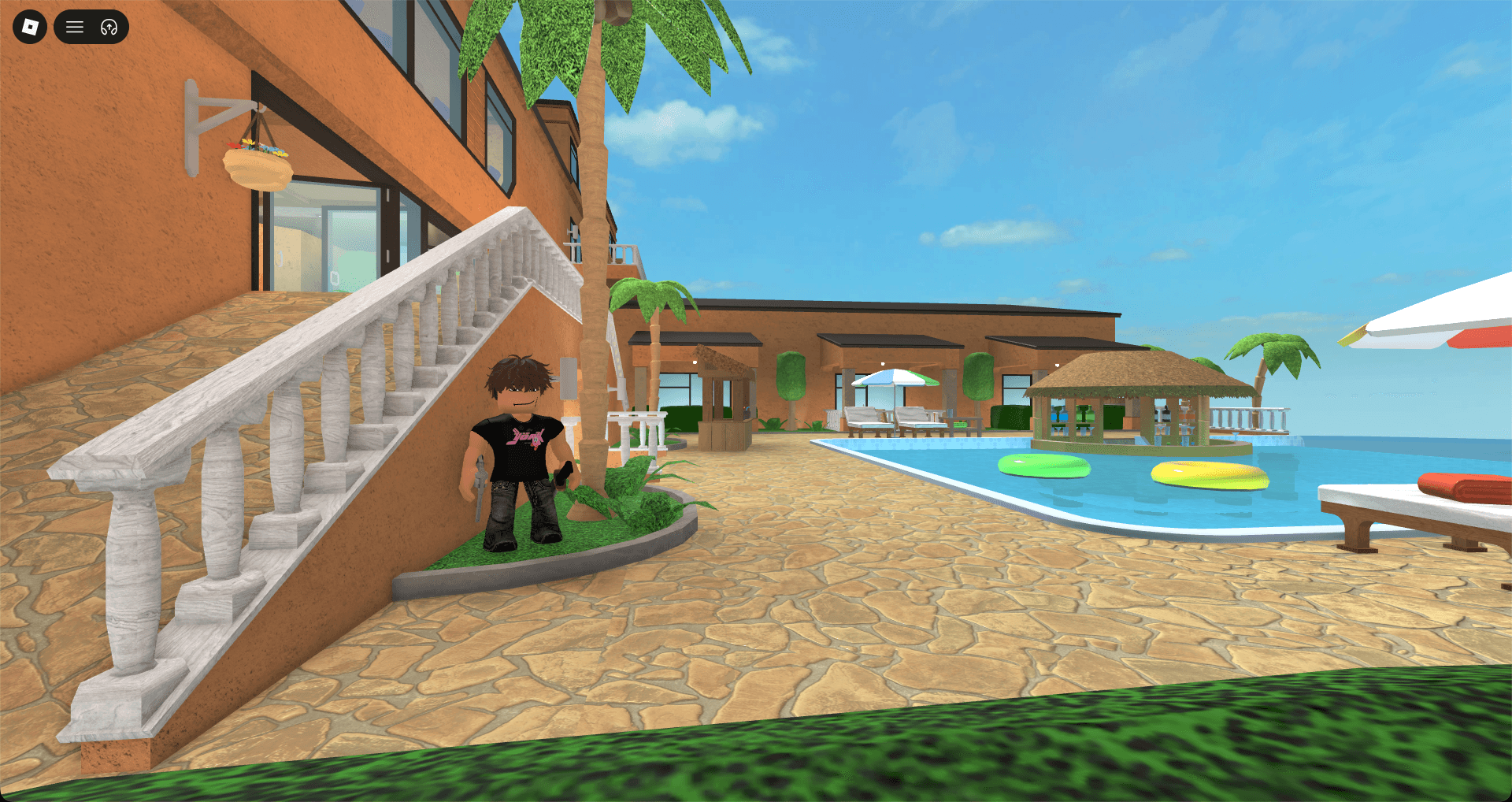
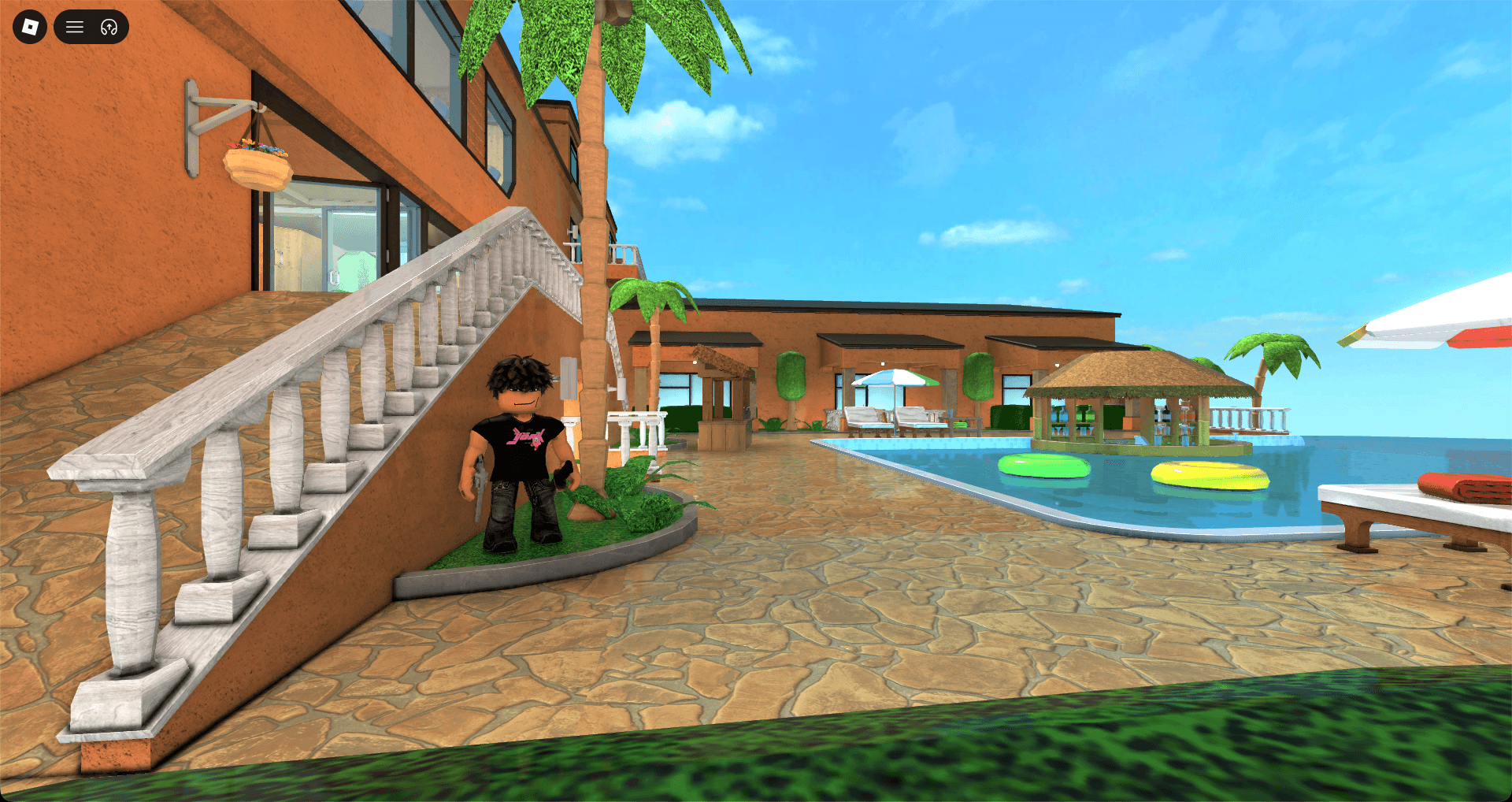
No pre-rendered demo. Switch the live capture between vanilla and PrismShade.
PrismShade loads ReShade .fx effects and presets. Open the overlay with F8 to adjust them live.
Screen-space ambient occlusion for contact shadows and grounded depth.
Screen-space reflections for water, glass, and glossy surfaces.
Ray-traced diffuse light, bounce color, and ambient occlusion.
Customizable depth of field with cinematic bokeh and focus control.
A controlled glow around the brightest parts of the frame.
Exposure, temperature, contrast, and selective color grading.
Smoother skies, fog, and gradients with less visible color banding.
Local contrast that gives fine scene detail more definition.
Full ReShade fidelity for screenshots, showcases, and newer Macs.
Lighter effects for smoother play on M1 and lower-power Apple silicon Macs.
Choose Standard or Performance for Apple silicon. Intel Mac support is in development.
Open PrismShade and start Roblox from the native launcher.
Press F8 in any game and build your look while you play.